Features
Cocoso in detail — every tool your community can pick up, and how it works.
For Your Community
For Your Community
Activities

The earliest version of Cocoso was built for an artist-run dance theatre and co-learning space, hosting multiple public stage performances for pre-registered audiences. Managing and publishing customisable, recurring events requires several different features, RSVP among them. Registrations are communicated to guests by email, and event admins can verify arrivals at the door.
You can create, edit and delete content with an image, title, description and further info, plus a set of occurrences with optionally multiple dates and times — so admins never need to create a new entry for every single occurrence.
Resources
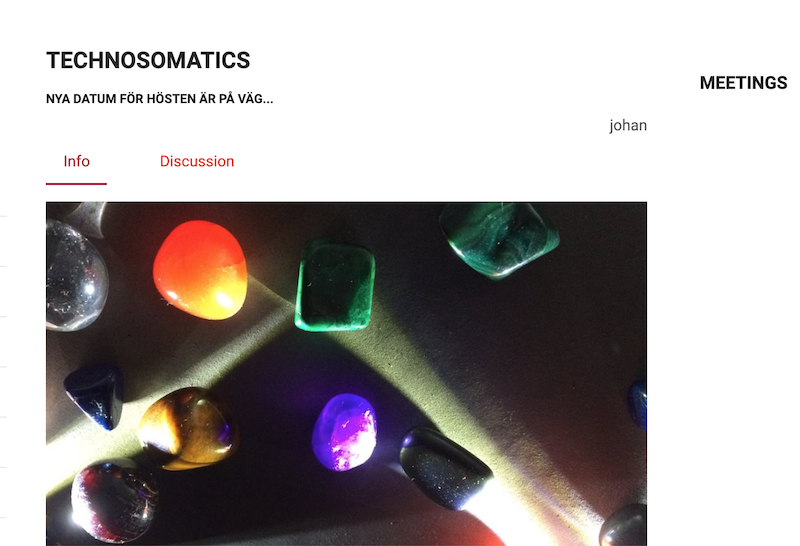
Cocoso enables planning and overviewing of resource-sharing processes in a timely manner. Every time a verified user claims a physical resource or books a space, that information is shared with members of the collective through the calendar.
There are no calendar invites. We believe machines should help us facilitate our own communications and sharing — not operate and act for us. Cocoso's calendar is the main facade of community events and resource sharing, so that we keep talking to each other, the same way we free our emails from data clutter.
Calendar
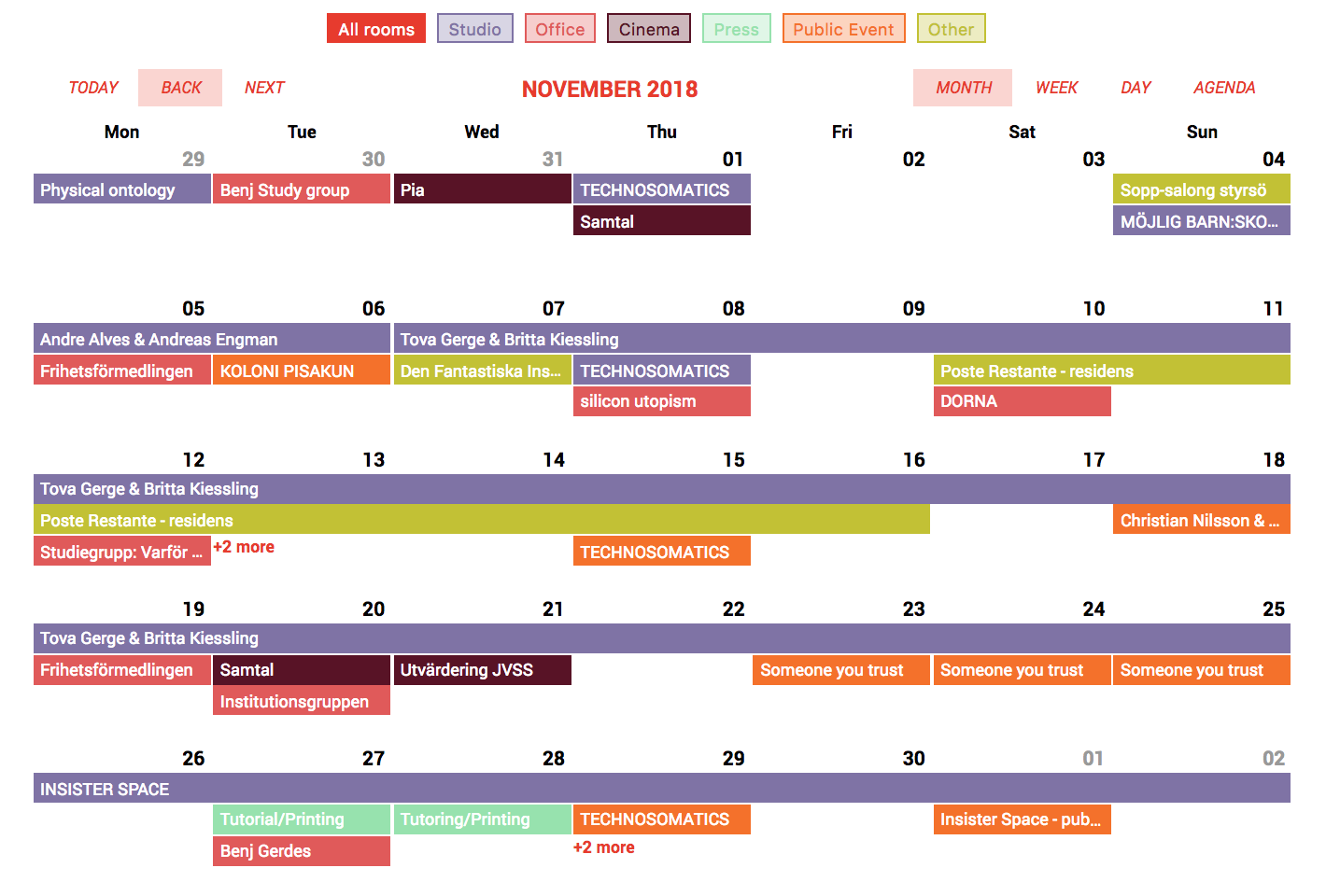
Cocoso's web calendar can display Monthly, Weekly or Daily events and resource updates, and users can navigate between these timeframes with a single tap. Each entry can correspond to a resource-utilisation activity or a community event.
Every entry can be assigned a category — a resource booked, or a type of activity such as yoga — useful for both public activity listings and internal or private bookings. Like every feature in Cocoso, it's intentionally abstract enough to fit very different use cases.
Groups
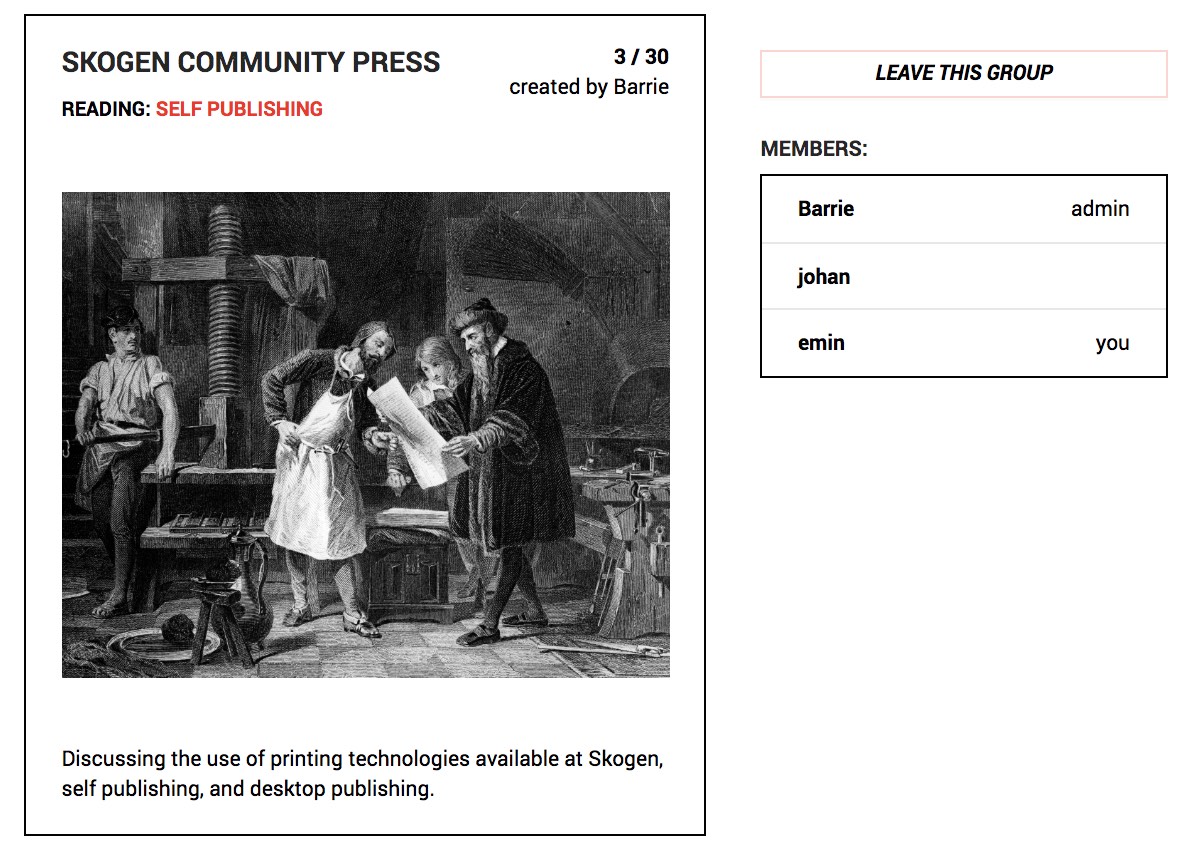
A Group is a concept, and a set of conceptually-driven activities pursued by a set of people — virtually or in person. Under a group, members can carry out collaborative activities with all the practical details, basic info and dates documented on one page.
Groups make it possible to manage training, social or learning activities — recurring yoga sessions, school terms, or any sort of co-creation and continuously evolving process. Admins start one up with an image and some text, and a simple forum, document list, member list and set of dates are ready on one page.
It's basically the toolset for running a school, a recurring session, or a cooperative activity of any kind.
Works
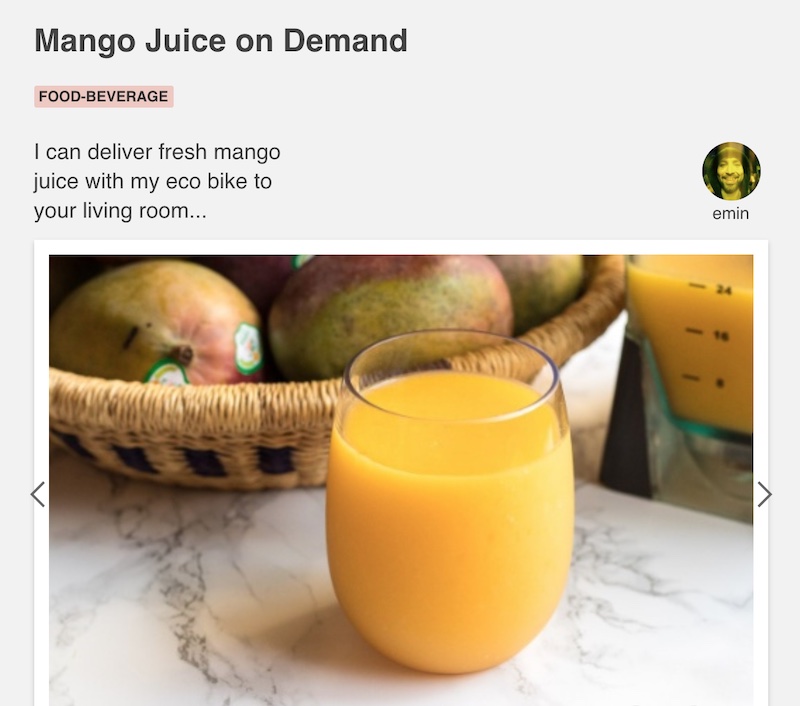
A Work is a visual, or audiovisual, creation of an artist, researcher, designer, craftsperson or reseller, showcased to the community. Details, images, sound files and videos can be shared within a category of the creator's choice — a tool built for portfolios and marketplaces alike.
A work can also be saved privately for internal use and documentation. It's built to let artists and craftspeople publish and communicate what they do with the rest of the world, as well as keep a record for their own reference.
For Admins
Members
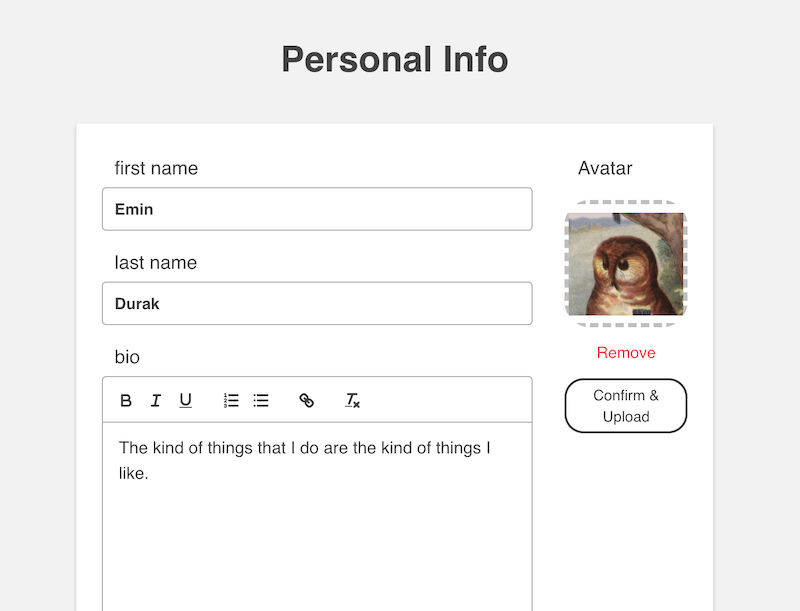
Admins can find, filter and manage every member of the organisation from one place: verify or unverify people for specific abilities, such as publishing activities in the calendar or starting a group.
If you run a yoga studio, for instance, you'll have both teachers and students on one platform — verify your teachers so they can create their own activities, while students can simply participate and RSVP.
Privileges are distributed meaningfully across the community, and every user creates their own account and manages it from there. Passwords are automatically encrypted, so system admins can't read or track them.
Composable Pages
Freely build a landing page, a campaign page, or any static page your community needs — with drag-and-drop blocks for text, images and layout, no code required. What used to be Cocoso's simplest CMS is now a proper page builder.
Every page becomes part of your navigation automatically. Use it for an About page, a set of terms, a one-off campaign, or a whole new section of your site — composed freely, published instantly.
Admin Panel
A dedicated admin panel to set up your organisation from the ground up: name, logo, contact details, and every setting that shapes how your community presents itself — no code required.
Tailor your menu, header and footer, and decide exactly what visitors see first. It's the control room behind every Cocoso community, built for admins, not developers.
Design Preferences
Give your community's site its own visual identity: pick your colors, adjust border radius, set a background — make it look distinctly yours, without touching a single line of CSS.
Design preferences apply across your whole site at once, so your community's presence stays coherent as it grows, from the homepage to the calendar to every composable page.
Newsletter & Emails
Reach every member directly with an email newsletter — no separate mailing-list tool required. Write once, send to your whole community, and keep people in the loop without relying on a social feed.
Automated emails handle the routine moments for you: registration confirmations, RSVP verifications and other member notifications go out on their own, so admins can focus on the community instead of the inbox.